Your First Hour With Munder Difflin
A minute-by-minute walkthrough of your first hour with Munder Difflin v0.4.4: install, the clone-of-you onboarding, your first brief to Michael, watching the floor, approving your first escalation, and leaving a schedule running.
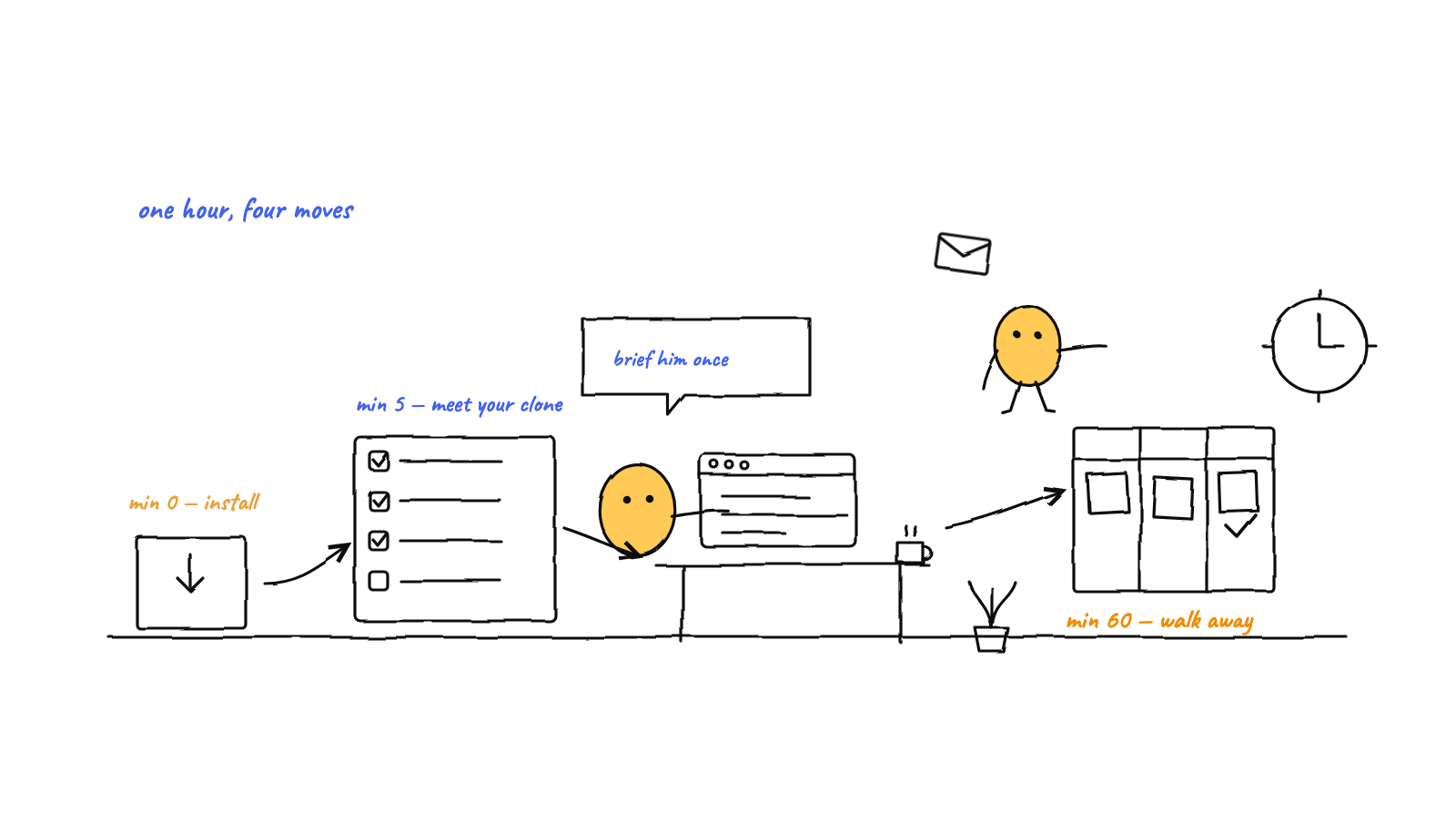
You can go from zero to a running AI office in one hour. Minute 0: install. Minute 5: onboarding — it opens on the honest pitch, a clone of you, working 24/7, and validates your setup at step one. Minute 10: your first brief to Michael. Minute 20: watch avatars work the floor and open a real desk terminal. Minute 40: your first approval and a side-by-side diff in the built-in Monaco IDE. Minute 60: set a schedule and walk away — the office keeps working.
Most tools ask you to learn them before they do anything. Munder Difflin is the other kind: within an hour you’ve briefed an orchestrator, watched agents work, approved a real change, and left the office running without you. Here’s that hour, minute by minute — current as of v0.4.4.
Minute 0 — Install
Two paths: grab a signed build (macOS, Windows, Linux) from the releases page, or clone and run from source with npm install && npm run dev. You’ll want at least one supported agent CLI on your PATH — the engine card now honestly names all ten: Claude Code, Antigravity, Codex, Grok, Kimi, Qwen, OpenCode, Crush, pi, and GitHub Copilot CLI.
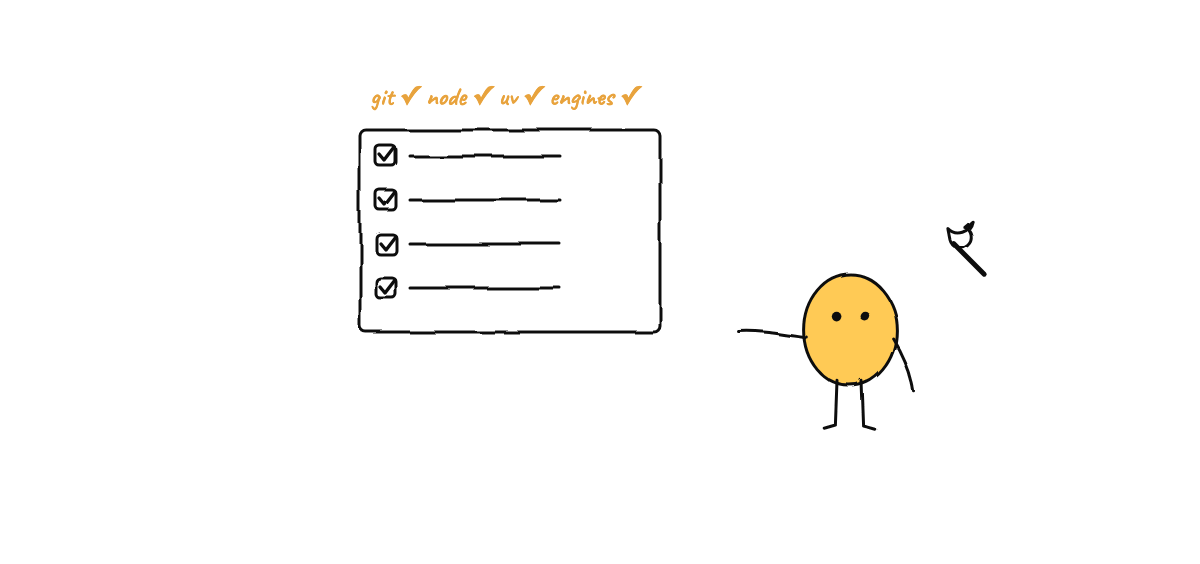
Missing something? You no longer have to find out the hard way. Settings → Prerequisites shows live status for git, Node, uv, MemPalace and every engine — real paths, platform-correct install commands, and a button that simply asks Michael to fill the gaps for you. The install and usage guide covers the deeper details. Budget five minutes.
Minute 5 — Onboarding: meet your clone
First launch opens on the pitch the whole product keeps: a clone of you, working 24/7. The wizard’s few questions are the actual shape of the product:
- Your clone’s engine — Michael runs on a pluggable engine; pick from the ten, change it later.
- Harness home — the folder where the hive lives: per-agent memory, mailboxes, the blackboard, the event log. Plain files in a local git repo. The wizard validates this at step one — an empty or impossible folder fails immediately, not after step four.
- Registered repos — the codebases your agents will work on.
- Auto-mode — whether agents proceed without per-tool prompts (the approval gate still catches critical items).
Finish the wizard and you land on the floor: a pixel-art office, empty except for Michael, who seats himself in his office automatically — with a BOSS tag on his card, because he’s the boss of the agents while you stay the boss of him. Everything the hive needs starts with him: as of v0.4.4 a brand-new install boots its message router, hook server and mission scheduler on the very first run.
Minute 10 — Your first brief to Michael
You don’t manage the workers. You talk to your clone, and he runs the floor. Click into Michael’s terminal and type a brief the way you’d brief a colleague: what you want, which repo, what “done” looks like. Prefer talking? His voice mode opens with a live snapshot of the floor and can run nearly the whole app.
Michael adjudicates. He creates tasks on the kanban, assigns them, and routes messages between agent inboxes. Workers you hire via Add agent each get a real CLI process in its own pseudo-terminal and, with the git-isolation toggle, their own worktree — so nobody collides on branches. How he decides what to route, resolve, or escalate is its own post: how the orchestrator works.
A good first brief is small and self-contained: “read this repo and write a REPORT.md summarizing the architecture” beats “refactor everything” for hour one.
Minute 20 — Watch the floor, then open a desk
Now the part that makes the product legible: the floor is not a decoration, it’s the state of the system. Avatars walk to stations as they work. When the hive routes a message, an envelope flies from sender to recipient; escalations fly to the door. The cast is an affectionate parody of The Office, and every movement maps to a real event.
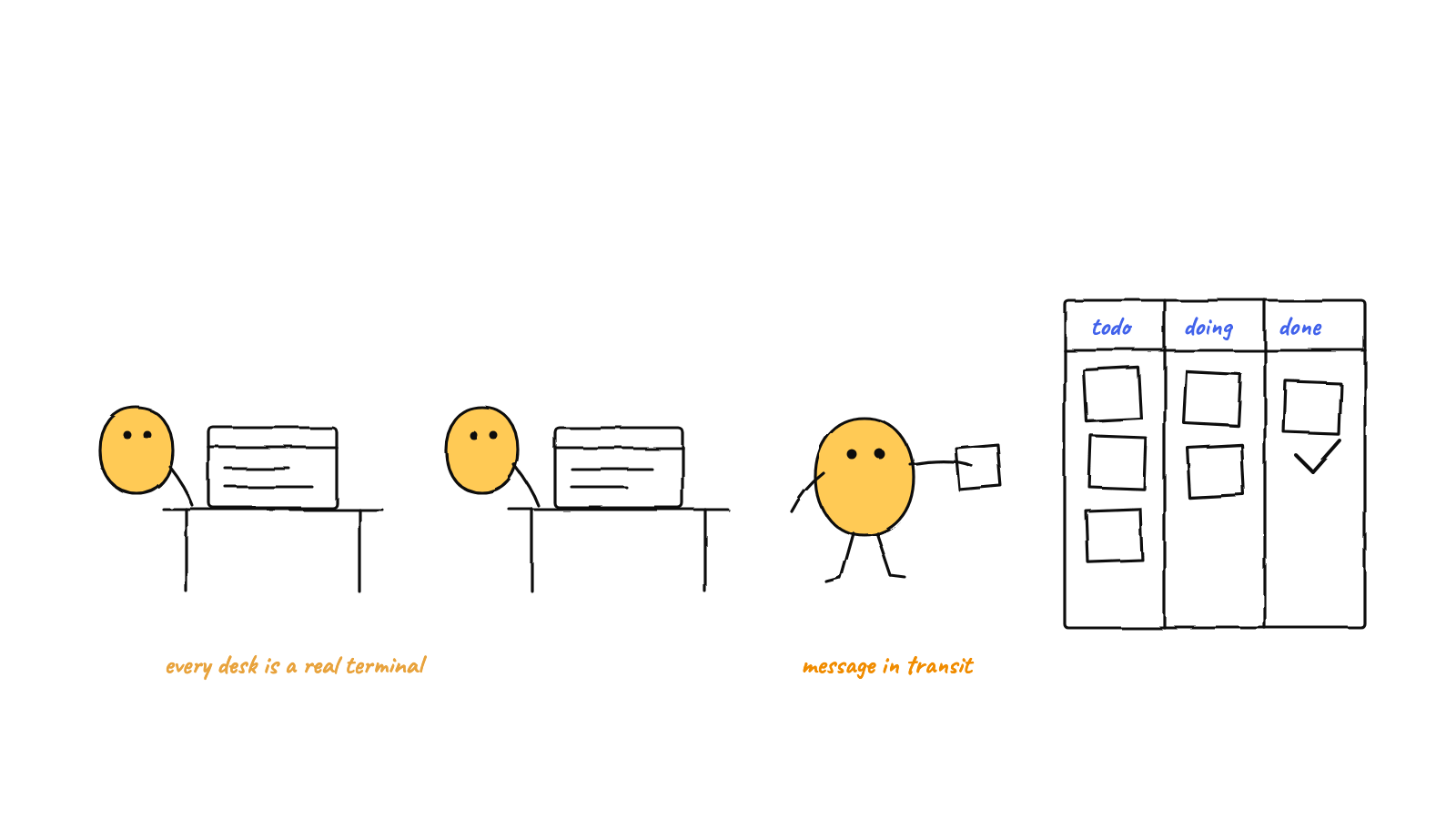
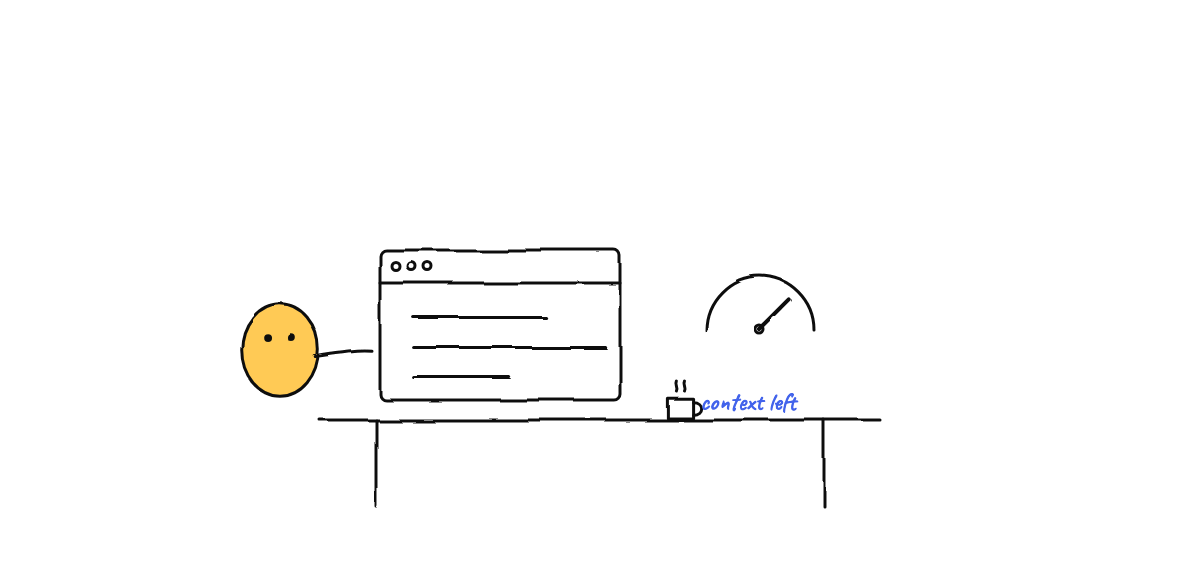
Click any agent and you get their desk: the live terminal (you can type back into it), a sandboxed file browser, and a git tab with status, log, and commit graph. Go fullscreen and the roster cards show each agent’s model, project, and a live context gauge — the fuel dial for every worker at a glance. This is the moment the abstraction clicks: that avatar is a real CLI process, and you’re reading its actual stdout.
Minute 40 — Your first approval, and the diff
Sometime in the first hour, something lands in the approvals queue — a spend threshold, a destructive operation, a scope change. This is by design: Michael resolves routine requests himself and escalates only critical items, so the queue stays short and every item in it deserves your attention. (The philosophy behind that gate: approving AI agents without babysitting them.)
Before you click approve, look at the work. Hit the title-bar IDE button and the built-in Monaco editor — the VS Code editor engine, fully self-hosted — opens over the floor. The git CHANGES rail lists what changed; click a file for a read-only side-by-side diff against HEAD. Images preview right in the IDE now, so a screenshot or SVG an agent produced is one click to inspect. Read the diff, approve the item, watch the envelope fly.
Minute 50 — Give an agent a skill
New in v0.4.4 and worth five minutes of your first hour: Skills. A browsable catalog of hundreds of skills — search, category and publisher filters — installable across Claude Code, OpenCode and Codex with scope precedence handled for you. Give your reviewer a review checklist, your writer a style guide, your researcher a source-citing discipline. It’s the difference between hiring generalists and hiring people who’ve read the manual. (Background: MCP and skills in a hive.)
Minute 60 — Leave it running
The last move of the hour is the one that changes your relationship with the tool: schedule something. The Command Center’s Triggers tab takes a label, an interval, a target agent, and a mission body — “every morning, triage new GitHub issues,” say — and a heartbeat re-engages the floor if it goes quiet. Last-fired and next-fired times are right there in the tab.
Close the laptop. It’s local-first, so tomorrow the office is exactly where you left it — probably with mail in your queue. And when the next release ships, the app tells you itself: the update toast says what’s actually inside before you restart into it. For patterns on what’s worth automating, see scheduling autonomous agent missions.
The hour, in one line
Install, meet your clone, brief him once, watch the floor, read one diff, install one skill, set one schedule — and you’ve gone from “a CLI in a terminal” to “an office that works while you don’t.”
Download Munder Difflin — free, MIT-licensed, local-first — and if the first hour earns it, a GitHub star helps more people find it.
FAQ
How long does it take to get Munder Difflin running?
About five minutes. Grab the signed build for macOS, Windows, or Linux from the releases page, or run from source with Node.js 18+. Onboarding validates your setup at the very first step — as of v0.4.4 it checks your home folder immediately instead of failing four steps later, and the Prerequisites page in Settings shows live status for every tool an engine needs, with a button that asks Michael to install what's missing.
What do I need before installing Munder Difflin?
At least one supported agent CLI — Claude Code, Antigravity, Codex, Grok, Kimi, Qwen, OpenCode, Crush, pi, or GitHub Copilot CLI. If you're missing one (or git, Node, uv, MemPalace), Settings → Prerequisites shows exactly what's absent with the platform-correct install command, and can hand the whole job to Michael.
Who is Michael and how do I give him work?
Michael is a clone of you — the boss of the agents, while you stay the boss of him. You type a brief into his terminal (or talk to him by voice) and he adjudicates it: creating tasks, assigning them to workers, routing messages between inboxes, and escalating only critical items back to you. He seats himself in his office automatically on first launch.
Do I have to approve everything the agents do?
No. Michael resolves routine requests himself so the system stays autonomous. Only critical items — spend, destructive operations, scope changes — land in the human-in-the-loop approvals queue for you to act on. A circuit breaker and per-agent token budgets guard the rest.
How do I review what an agent actually changed?
Open the built-in Monaco IDE from the title-bar IDE button. Its git CHANGES rail lists every modified file, and clicking one opens a read-only side-by-side diff against HEAD. There's a per-agent git tab with status, log, and commit graph — and since v0.4.4 the IDE previews images too, so a design change is as reviewable as a code change.
Can Munder Difflin keep working after I walk away?
Yes — that's the point. The Triggers tab in the Command Center holds recurring missions with a label, interval, target agent, and body, plus a heartbeat that re-engages the floor when it goes quiet. It's local-first, so the office runs on hardware you already own — and the app keeps itself current, telling you exactly what's in each update before you restart into it.