How to Install and Use Munder Difflin
Install Munder Difflin v0.4.4 on macOS, Windows, or Linux and put a hive of coding agents — on any of ten engines — to work on ambitious, long-horizon tasks, start to finish.
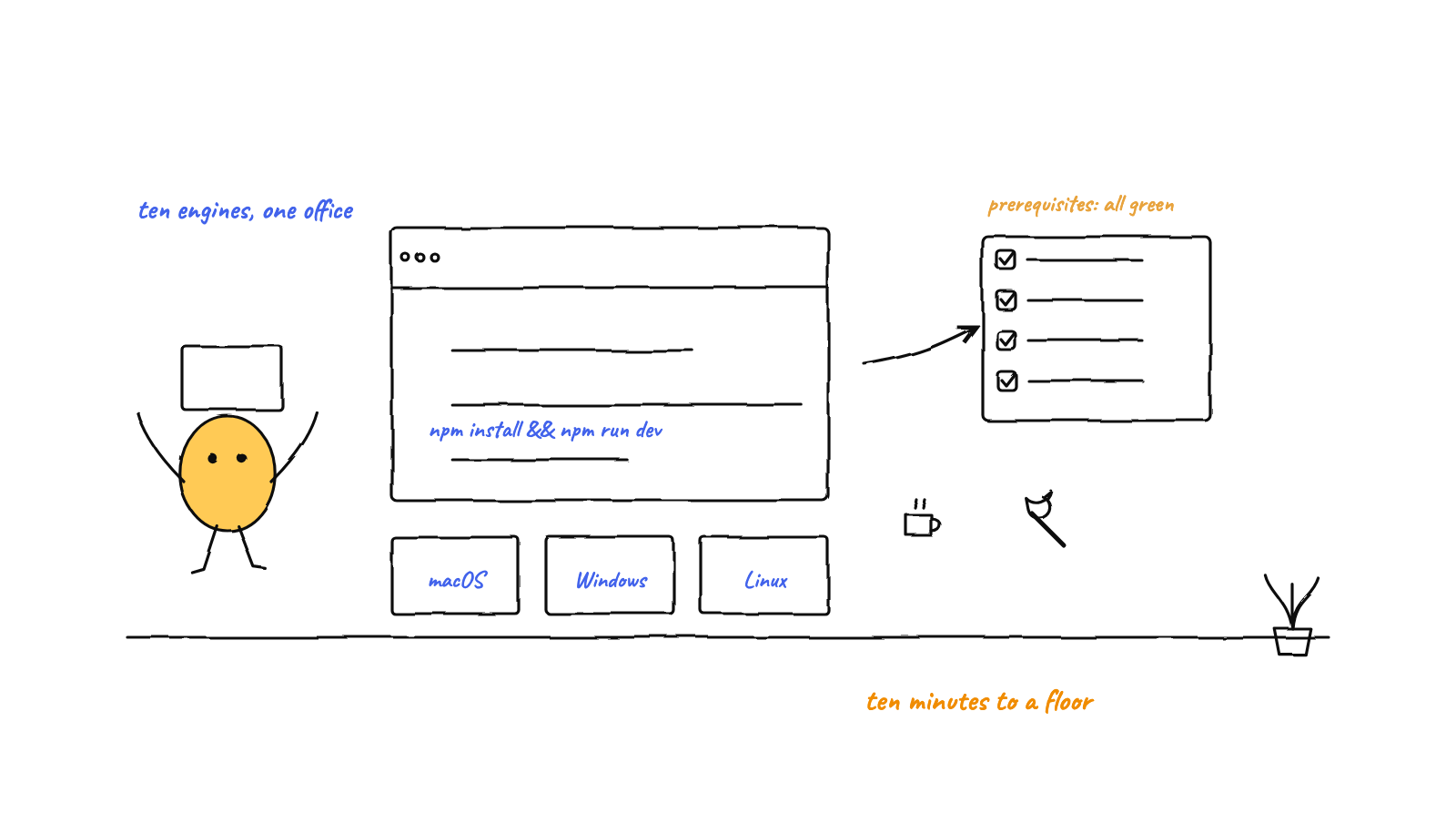
Install Munder Difflin by downloading a build (macOS, Windows, or Linux) or running from source with Node 18+. Onboarding opens on the real pitch — a clone of you, working 24/7 — validates your setup at step one, and the Prerequisites page shows live status for every tool an engine needs. Then you talk to Michael, spin up agents on any of ten engines with a Goal, hand them skills, and let the hive work long-horizon tasks for hours or days while you watch the floor.
Watch the 51-second setup walkthrough:
Most tools help you run one coding agent. Munder Difflin helps you run a team of them — unattended, coordinated, and aimed at the big jobs: a multi-day refactor, a migration, an investigation that needs to grind overnight. This is the start-to-finish guide, current as of v0.4.4: install it, meet your clone, and put the hive to work on something ambitious.
What Munder Difflin does best
Before the steps, the mental model — because it shapes how you’ll use it. Munder Difflin wraps the agent CLIs you already run as full agents, gives each long-term memory and a mailbox, and puts Michael in charge — a clone of you, the one agent you talk to. His card says BOSS: he’s the boss of the agents, you’re still the boss of him. You describe intent; he routes work, lets agents message each other, and escalates only the critical calls to you.
That design pays off most on long-horizon work. A single session loses steam (and context) on a multi-hour task. A coordinated hive that remembers can keep going for hours or days — the overnight, while-you-sleep use case is exactly what it’s built for. Keep that in mind as you set it up.
Step 1: What you’ll need
- At least one supported agent CLI on your
PATH. Ten engines are first-class: Claude Code, Antigravity, Codex, Grok, Kimi, Qwen, OpenCode, Crush, pi, and GitHub Copilot CLI. Bring whichever subscriptions you already have — mixing engines on one floor is normal. - From source only: Node.js 18+ with npm, and a C/C++ toolchain for
node-pty’s native addon (Xcode Command Line Tools on macOS,build-essentialon Linux, VS Build Tools on Windows). Prebuilt apps need none of this. - Optional: MemPalace, the semantic memory index, for instant cross-session recall. The app works without it — plain-markdown memory still functions.
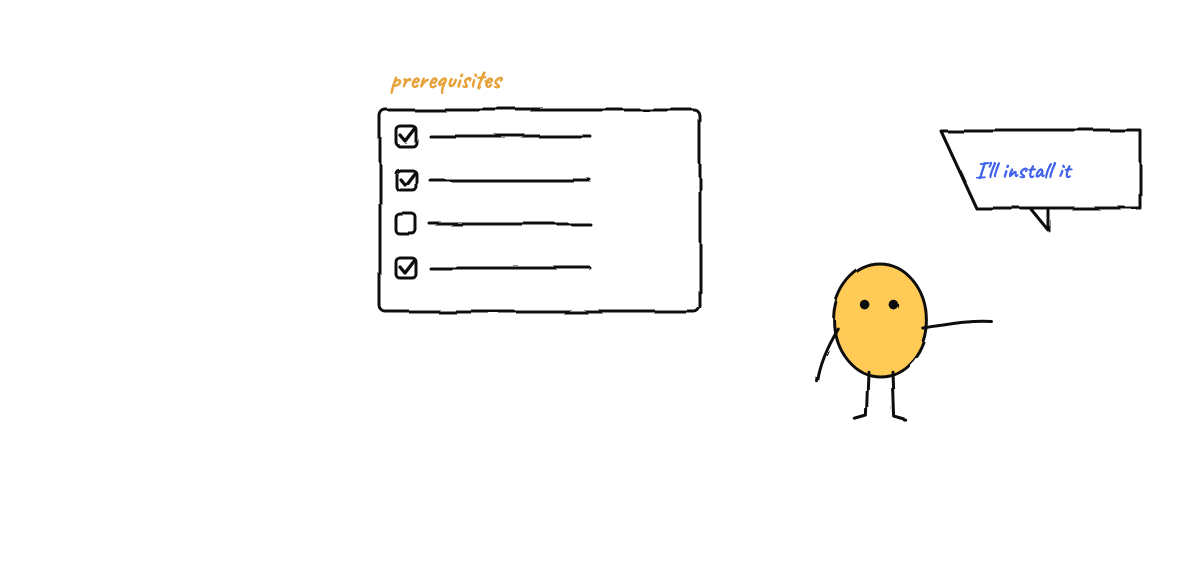
And here’s the v0.4.4 upgrade to this whole step: you don’t have to audit any of it by hand. Settings → Prerequisites shows live status for uv, git, Node, MemPalace and every engine — with real paths, the platform-correct install command for anything missing, and a button that asks Michael to fill the gaps for you.
Step 2: Install it
There are two paths. Pick whichever fits you.
Option A — Download a build (easiest)
Grab the installer for your OS from the download section (it points at the latest release):
| Platform | File |
|---|---|
| macOS | Munder-Difflin-<version>-mac-universal.dmg (Apple Silicon + Intel) |
| Windows | Munder-Difflin-<version>-win-x64-setup.exe (64-bit installer) |
| Linux | Munder-Difflin-<version>-linux-x86_64.AppImage |
Open the installer, launch the app, and skip to first launch. From here the app maintains itself: updates download in the background from GitHub releases, the toast tells you what’s actually in them, and installation only ever happens on your click. (Settings → General also answers “am I on the latest?” with a single Check-for-updates button.)
A word to Windows users specifically: v0.4.4 is the release that made Windows first-class. Agent-to-agent messaging, first-run hive services, the setup wizard, dark mode — all fixed. If an earlier version burned you, this one is owed to you.
Option B — Build from source (two commands)
git clone https://github.com/chaitanyagiri/munder-difflin.git
cd munder-difflin
npm install        # postinstall rebuilds node-pty against Electron's ABI
npm run dev        # launches the app with hot reload
The npm install step rebuilds the native terminal addon for your machine. If node-pty ever fails
to load after an Electron upgrade, re-run npm install to rebuild it.
Step 3: First launch — the onboarding wizard
First launch opens on what the product actually is — a clone of you, working 24/7 — then asks the few questions that matter:
- Your clone’s engine. Michael runs on a pluggable engine; the card names all ten. Claude Code is the natural default, and you can change it later.
- Harness home. A folder where the harness keeps its own files — agent metadata, memory,
mailboxes, logs.
~/HarnessAgentsis a fine default. The wizard validates this immediately: an empty or impossible folder fails at step one, not after step four. - Your repos. Add the project folders you want agents to work in. Each becomes a room on the floor; multiple agents can share a repo. Optional, and you can add more later.
- Auto mode. Confirm whether agents run unattended (covered next). There’s also a “share anonymous usage stats” toggle — opt-out, governed by a public contract.
Finish the wizard and you land on the office floor. Michael boots into his office automatically — and everything the hive needs (message router, hook server, mission scheduler) starts with him, on the very first run.
Step 4: Meet Michael, your clone
Michael runs the floor: he triages requests, assigns work, and escalates only the critical calls to you. He’s the agent you talk to.
To talk to any agent (Michael included), select them on the floor to open their panel, then use the command bar at the bottom — type a message and hit Enter. The bar has three modes:
- free — plain natural-language instructions (the default).
- /skill — invoke an installed skill or slash command.
- quick — fast canned actions.
Talking to Michael in plain language is how you steer the whole team: describe a goal, and he decomposes and routes it. You manage, he delegates. He also listens — his voice mode opens with a live floor snapshot and can run nearly the whole app hands-free. (New to the idea? How to run multiple Claude Code agents covers why an orchestrator beats juggling tabs.)
Step 5: Understand auto mode
Auto mode is what makes unattended runs possible. With it on, agents are spawned with their engine’s permission prompts bypassed — Claude Code, for instance, runs as:
claude --permission-mode bypassPermissionsThat means the agent won’t stop to ask before editing files or running shell commands — essential for a “set it going and walk away” workflow. It’s also a loaded foot-gun on a production repo, so:
- Keep auto mode on for sandboxed, disposable, or branch-isolated working copies — anywhere a mistake is cheap to undo.
- Turn it off (or drop it for a single agent in the Add Agent dialog) when you want to babysit a sensitive repo and approve each tool call.
Either way, Munder Difflin keeps a human-in-the-loop approvals queue: even in auto mode, Michael escalates genuinely critical actions (spending real money, destructive operations, big scope changes) for your sign-off, so unattended doesn’t mean unsupervised.
Step 6: Spin up your first agent
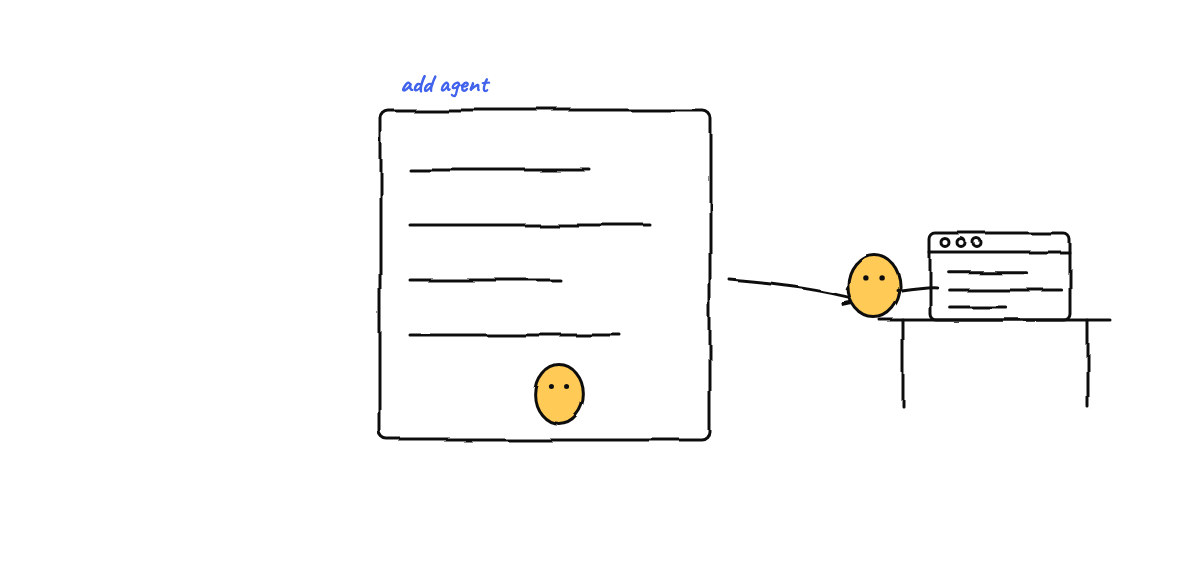
Click Add agent to open the spawn dialog. The fields:
- Name — the agent’s handle (picking a character fills this in for you).
- Folder — the working directory. Pick a registered repo with a click, or browse.
- Engine & model — any of the ten engines, with a model picker per engine (Grok 4.6 landed in v0.4.4). The harness restarts the agent on the new model if you change it later.
- Description — a short note on what this agent is for.
- Goal (optional) — a long-running directive injected on every prompt. The most important field for long tasks (more below).
- Character & Color — pick from the office cast and an accent.
- Git isolation (optional) — auto-creates a dedicated git worktree for this agent and tears it down when you kill it. Use it whenever two agents share a repo.
Hit spawn. The agent appears as an avatar at a desk, provisioned in the hive with its own memory, mailbox, and identity. Envelopes fly desk-to-desk when agents message each other.
Step 7: Give your agents skills
Before the big task, arm the team. Skills (new in v0.4.4) is a browsable catalog of hundreds of installable skills — search, category and publisher filters, one-click install across Claude Code, OpenCode and Codex, with scope precedence handled and uninstall guarded. A reviewer with a review checklist beats a generalist told to “review carefully”; a writer with your style guide beats one guessing at your voice. (MCP and skills in a hive covers when skills beat tools.)
Step 8: Run an ambitious, long-horizon task
Here’s where Munder Difflin earns its keep. To set a team working for hours or days:
- Give agents a persistent Goal. The Goal field is injected into every prompt, so the agent keeps orienting toward the same directive even as the conversation turns over. Write it like a brief: “Migrate the test suite from Mocha to Vitest, one directory at a time, keeping CI green after each.”
- Let Michael route the rest. Tell him the high-level objective and let him assign sub-tasks. You describe the what; the hive figures out the who and when.
- Scope each agent and let them coordinate. Clear roles, handoffs through mailboxes, and shared long-term memory so what one agent learns, the next inherits.
- Walk away. With auto mode on, the team keeps going unattended. Check the approvals queue when you’re back; Michael only interrupts you for the critical calls.
This is the run-an-office-while-you-sleep workflow, and the practical guardrails are in Claude Code automation while you sleep. Be honest about scope — bounded, well-specified jobs go best.
Step 9: Use Michael’s Command Center
Select Michael on the floor and open his panel — a control surface, not a plain terminal:
- Terminal — Michael’s live session, plus a message queue so you can park tasks while he works.
- Floor — the full agent roster with per-agent model selectors, a dispatch box, and your registered repos. The Enrich toggle routes queued messages through a background prep assistant who gathers context before Michael sees them.
- Memory — MemPalace semantic search plus full-text search across all hive files, and a memory graph.
- Activity — live event log, the shared board, and real token + cost telemetry per agent.
- Tasks — a dependency-aware kanban board Michael and his team track status on.
- Triggers — every way the office wakes itself: recurring missions with a label, interval, and directive body, dispatched to the target agent automatically.
For long-running floors, Triggers is the most powerful tab: a “30-minute floor check” mission pointed at Michael — “Are all agents making progress? Re-engage anyone idle.” — keeps the team moving even when you’re away.
Tips for best results
- Scope beats ambition. A precise Goal runs longer and cleaner than a vague one.
- Use git isolation. Auto mode plus per-agent worktrees means mistakes are cheap and agents never collide on branches.
- Register your repos. Pre-adding projects makes spawning agents one click.
- Lean on memory. Tell agents to write durable facts to their notes; the shared semantic palace turns those into instant recall for the whole hive.
- Watch the floor early. Seeing who’s busy, idle, or blocked catches problems before they compound — fullscreen roster cards even show each agent’s live context gauge.
Troubleshooting
node-ptyfails to load after an update (source builds) → re-runnpm install.- Agents won’t start / “command not found” → open Settings → Prerequisites; it shows which engine binaries the app can actually see, with install commands for the missing ones.
- Native build errors on
npm install→ install your platform’s C/C++ toolchain, reinstall. - No instant recall → MemPalace is optional; without it, markdown memory still works, just without fast semantic search.
- On Windows and something’s off? Make sure you’re on v0.4.4 or later — it’s the release that fixed agent messaging, first-run services, and the wizard on Windows.
Where to go next
- Your first hour with Munder Difflin — the minute-by-minute version of everything above.
- How to run multiple Claude Code agents — the habits that keep a team from colliding.
- Run an office of AI agents while you sleep — the long-horizon vision, with guardrails.
That’s the whole path from zero to a working hive. Download Munder Difflin — free, open source, and local-first on macOS, Windows, and Linux — and put a team of agents on your next big task.
FAQ
Is Munder Difflin free?
Yes. Munder Difflin is free and open source under the MIT license. Download a build for macOS, Windows, or Linux, or run it from source — and once installed, the app keeps itself up to date from GitHub releases, telling you what's in each update before you restart into it.
Do I need Claude Code to use Munder Difflin?
No — you need at least one supported engine, and Claude Code is the most popular of ten: Claude Code, Antigravity, Codex, Grok, Kimi, Qwen, OpenCode, Crush, pi, and GitHub Copilot CLI. Each agent runs a real CLI process; the harness adds memory, messaging, skills, and the orchestrator on top. Mixing engines on one floor is normal.
Does it work properly on Windows?
Yes — and if you tried before v0.4.4, try again. That release fixed the bug that silently broke agent-to-agent messaging on Windows, made first runs start their own hive services, and rebuilt dark mode. Windows is a first-class platform now, OpenCode included.
Can I leave it running for hours or days?
Yes — that's the point. With auto mode on, agents run unattended and Michael routes work and escalates only the critical calls to you. Give an agent a persistent Goal and it keeps working a long-horizon task across many prompts while you're away.
Is auto mode safe?
Auto mode spawns agents without per-tool permission prompts, so they don't pause for file edits or shell commands. It's the right default for the unattended control-room experience, but it's a foot-gun on production repos. Keep it on for sandboxed or disposable working copies; turn it off (or per agent) when you want to babysit.